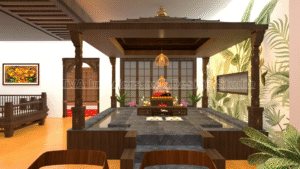
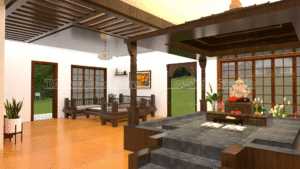
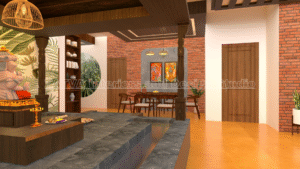
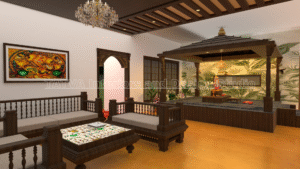
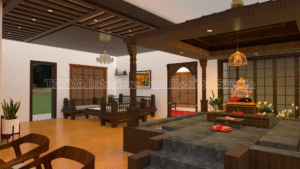
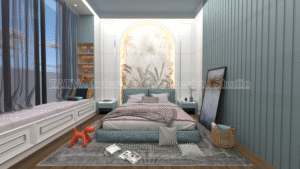
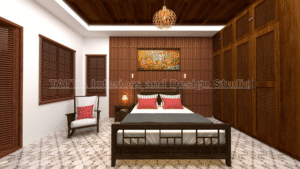
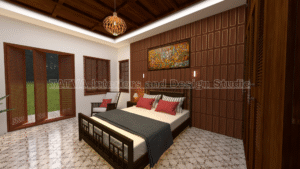
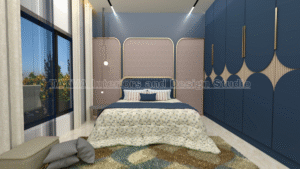
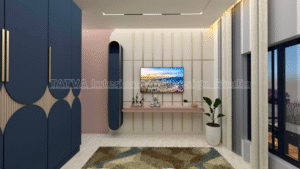
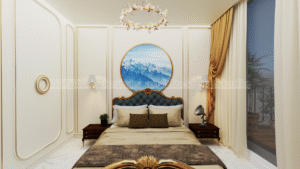
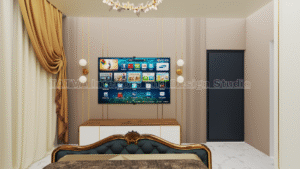
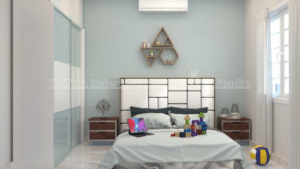
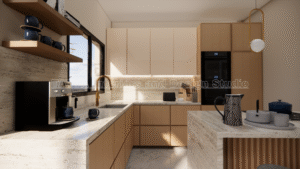
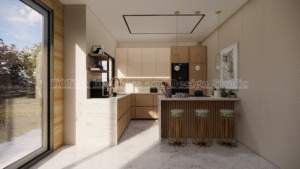
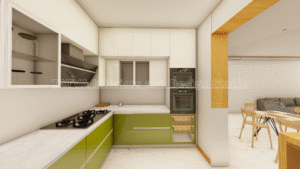
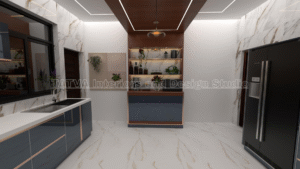
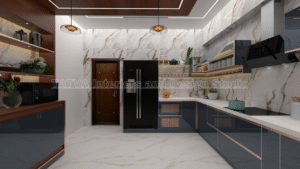
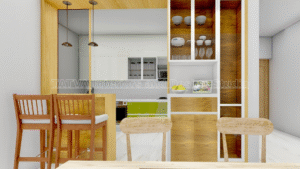
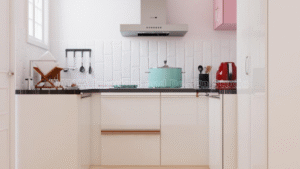
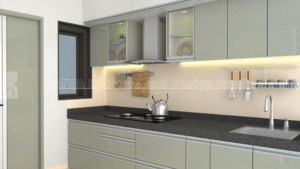
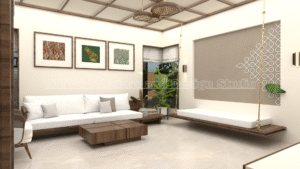
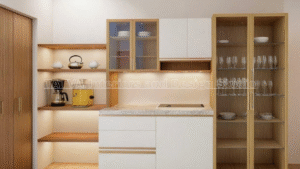
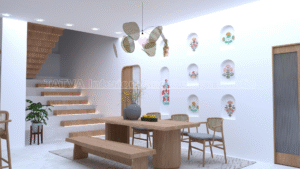
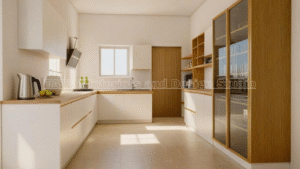
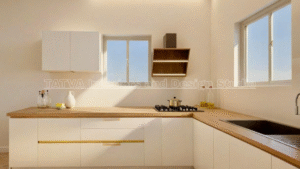
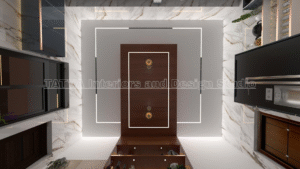
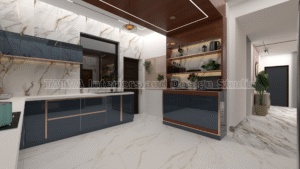
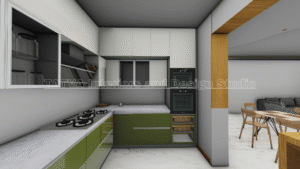
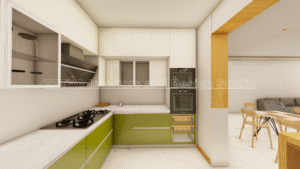
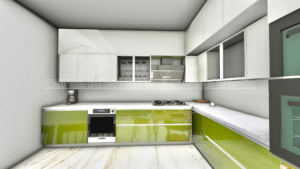
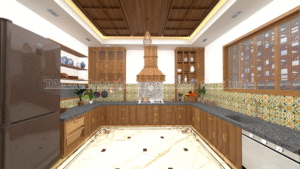
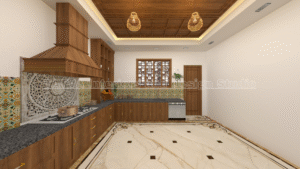
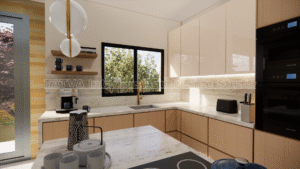
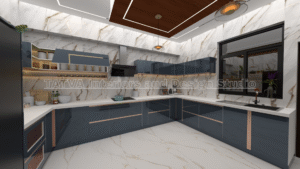
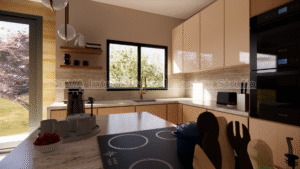
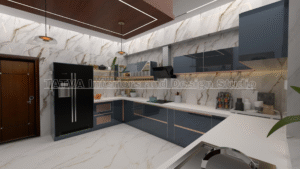
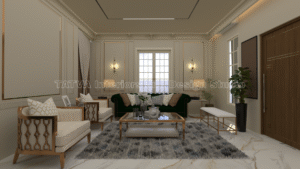
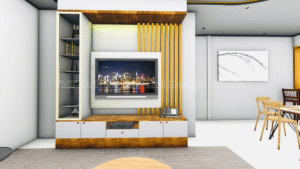
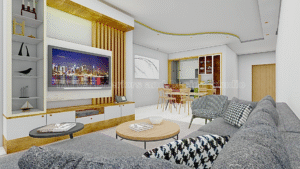
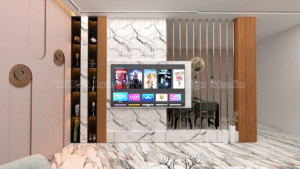
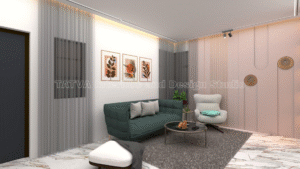
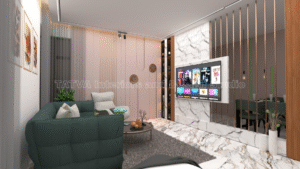
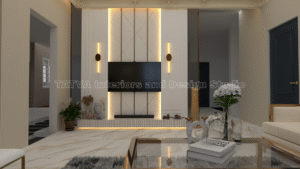
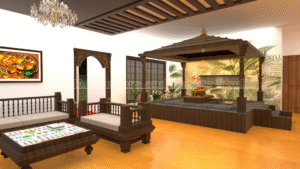
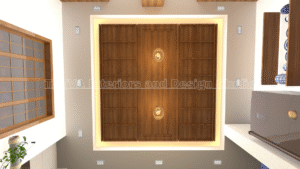
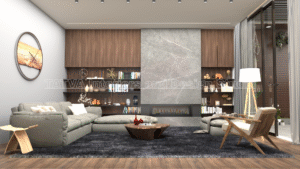
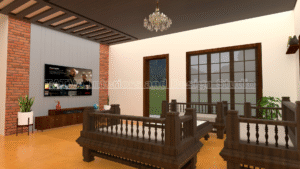
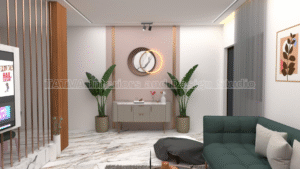
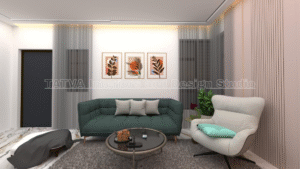
Designing and building a home involves hundreds of decisions, from room layouts to furniture placement and material selection. But the biggest challenge for most homeowners is visualizing how everything will come together. Will the living room feel spacious enough? Will the colours look good? Will the wardrobe placement block sunlight? Will the kitchen layout be comfortable to use every day?
This uncertainty is exactly why walkthrough animations have become an essential part of modern interior design and architecture. They help you see your entire home before construction even begins, making the design process smoother, faster and more accurate.
In this complete guide, you’ll learn how walkthrough animations help you visualize your dream home, their advantages, how they are created, and why every homeowner should request one before starting interior work.
What Is a Walkthrough Animation?
A walkthrough animation is a realistic 3D video that guides you through your home just like a virtual tour. Unlike still render images, a walkthrough shows how it feels to move from one room to another.
It includes:
-
Room layouts
-
Furniture placement
-
Flooring, wall finishes and colours
-
Ceiling designs and lighting
-
Decor elements
-
Natural and artificial lighting
-
Material reflections and textures
It’s almost like watching a movie of your future home — realistic, detailed and easy to understand.
Why Walkthrough Animations Are Important in Home Design
Most homeowners find it difficult to understand 2D drawings or imagine how something will look in real life. Walkthrough animations solve this problem by providing a clear visual representation of the final outcome.
Let’s explore the benefits in detail.
1. Helps You Visualize the Final Output (Before Construction Starts)
This is the biggest advantage — walkthrough animations show exactly how your home will look once completed.
You can see:
-
Actual room sizes
-
Colour combinations
-
Furniture spacing
-
Lighting effects
-
Material finishes
This gives you complete clarity and confidence before starting work. There is no guesswork, no confusion, and no last-minute surprises.
2. Better Understanding of Space Planning
Many people find it hard to imagine the real size of a room. A 12×15 bedroom or a 10×11 kitchen may look small or large on paper, but walkthrough animations show the true spatial experience.
You can understand:
-
How much walking space you have
-
Whether the furniture size is perfect
-
How the layout flows from one room to another
-
Whether the space feels open or congested
Seeing the space on screen makes it easier to take correct decisions early.
3. Realistic Lighting & Material Visualization
Lighting and material selection play a huge role in interior design. Walkthrough animations allow you to see how light interacts with various materials in your rooms.
You can view:
-
Morning and evening sunlight
-
Ceiling lighting, spotlights and cove lights
-
Wallpaper and texture reflections
-
Veneer and laminate tones
-
Marble and tile finishes
-
Fabric textures
This helps you confidently choose the right materials without fear of mismatch.
4. Make Changes Before Execution Starts
If something doesn’t look right in the walkthrough — maybe the colour is too dark, the ceiling is too heavy, or the sofa placement feels awkward — designers can modify the 3D model instantly.
This avoids:
-
Costly rework on-site
-
Wastage of materials
-
Delays in project timelines
-
Miscommunication with carpenters
Correcting things in the 3D stage is 10× cheaper than changing them during construction.
5. Explore Multiple Design Options
Walkthrough animations allow you to compare different design concepts:
-
Modern vs Traditional Style
-
Light vs Dark Themes
-
Minimal vs Maximal Design
-
Open Kitchen vs Partitioned Kitchen
-
Different false ceiling styles
-
Various furniture layouts
This helps you choose a style that matches your personality and lifestyle.
6. Improves Communication Between Client & Designer
Many misunderstandings happen because clients and designers imagine spaces differently. A walkthrough eliminates this gap.
Clients and designers can discuss:
-
Why a certain layout works better
-
How to improve dead spaces
-
Where storage can be added
-
How lighting affects mood and ambience
With visual clarity, both parties stay on the same page throughout the project.
7. Accurate Budget Planning
Since you see everything clearly in the walkthrough, it becomes easier to plan the budget.
You can estimate:
-
Furniture requirements
-
Wall treatments
-
False ceiling materials
-
Lighting fixtures
-
Carpentry costs
-
Civil changes if any
Walkthroughs help you select what fits your budget without compromising beauty or functionality.
8. Faster Decision Making
Homeowners often take a long time to decide on lights, colours, tiles and furniture because they can’t imagine how everything will look together. Walkthrough animations speed up this process dramatically.
You can instantly decide:
-
Whether a wall colour suits the space
-
If a chandelier matches the room size
-
Whether to use a partition or keep the area open
-
How a wallpaper will look with the flooring
Clear visuals = quicker decisions.
9. Emotional Connection with Your Future Home
Many clients feel emotionally connected when they see their future home in animation.
You can experience how sunlight enters your home, how warm the lighting looks at night, or how hosting guests might feel in your living room.
This emotional satisfaction is priceless and builds trust in the design.
10. A Powerful Tool for Developers & Architects
Builders, interior designers and architects use walkthroughs to showcase upcoming projects.
They help:
-
Sell apartments faster
-
Show clients multiple flat layouts
-
Demonstrate luxury amenities
-
Present realistic project concepts
A high-quality animation increases customer confidence and speeds up the sales process.
How Walkthrough Animations Are Created
Walkthrough animations are built using advanced 3D modeling and rendering software such as:
-
SketchUp
-
3ds Max
-
Lumion
-
Unreal Engine
-
Blender
-
V-Ray / Corona Renderer
The process includes:
-
Creating a detailed 3D model of the home
-
Adding furniture, textures and materials
-
Adding lighting and environment
-
Setting camera movement paths
-
Rendering the animation
-
Adding music, labels and enhancement effects
The result is a smooth, realistic video of your entire home.
Walkthrough Animations vs Static Render Images — What’s Better?
| Feature | Walkthrough Animations | Static Render Images |
|---|---|---|
| Realistic movement | ✔ Yes | ✖ No |
| Visualize connectivity | ✔ Yes | ✖ No |
| Understanding layout | ✔ Strong | ✖ Limited |
| Details clarity | ✔ Excellent | ✔ Good |
| Time required | Longer | Shorter |
| Changes | Easy | Easy |
Both are useful, but walkthrough animations give a complete real-time tour experience.
When Should You Request a Walkthrough Animation?
You should ask your designer for a walkthrough animation at these stages:
-
After finalizing the floor plan
-
Before carpentry drawings
-
Before ordering materials
-
When selecting colour palettes
-
Before execution starts on-site
This ensures perfection and reduces mistakes.
Who Should Use Walkthrough Animations?
Walkthrough animations are useful for:
-
Homeowners
-
Architects
-
Interior designers
-
Real estate developers
-
Commercial business owners
-
Hotels & hospitality
-
Office and retail spaces
Any project that needs clarity benefits from a walkthrough.
How Walkthrough Animations Save Time & Money
People often underestimate the value of proper visualization.
Walkthroughs help you avoid:
-
Wrong furniture sizes
-
Wrong tile selections
-
Heavy false ceilings
-
Poor lighting distribution
-
Colour mismatches
-
Cabinet placement mistakes
Correcting these mistakes after execution is expensive and time-consuming. Walkthroughs prevent all of this.
Future of Walkthrough Animations: VR & AR
The future of home visualization includes:
-
VR (Virtual Reality): Step inside your home using a VR headset.
-
AR (Augmented Reality): View 3D furniture directly in your room using your mobile.
-
AI-based instant render walkthroughs.
Technology will make home design even more immersive and fast.
Conclusion: Your Dream Home, Visualized Perfectly
Walkthrough animations are not just an extra feature — they are a necessity in modern home design.
From understanding space to selecting materials and avoiding costly mistakes, walkthrough animations help you visualize your dream home with complete clarity.
If you’re planning to build or renovate your home, make sure you request a walkthrough animation before starting execution. It will save time, money, and stress while giving you the confidence that your home will turn out exactly the way you imagined.
CTA (Call to Action)
Want a walkthrough animation for your home?
Contact Tatva Interiors & Design Studio today!
📞 +91 76196 55385
✨ 2D Plans | 3D Designs | Walkthrough Animations | Interiors & Execution
Turn your dream home into reality — before construction begins.